

how to use zapier for automated bookkeeping may help you to meet all you demanded concerning automation in bookkeeping. Searching into tips, examples, and strategies would lead you to more superior outcomes.
What is bookkeeping automation?
The concept of automation for bookkeeping refers to streamlining of the traditional bookkeeping practices and digitizing it with the help of various digital platforms and software that stores critical financial data in minimum human intervention. This has been through automating manual and tedious tasks like data entry, reconciliation, and reporting, which save the time spent, reduce the errors brought in by human action, and increase the overall financial accuracy.
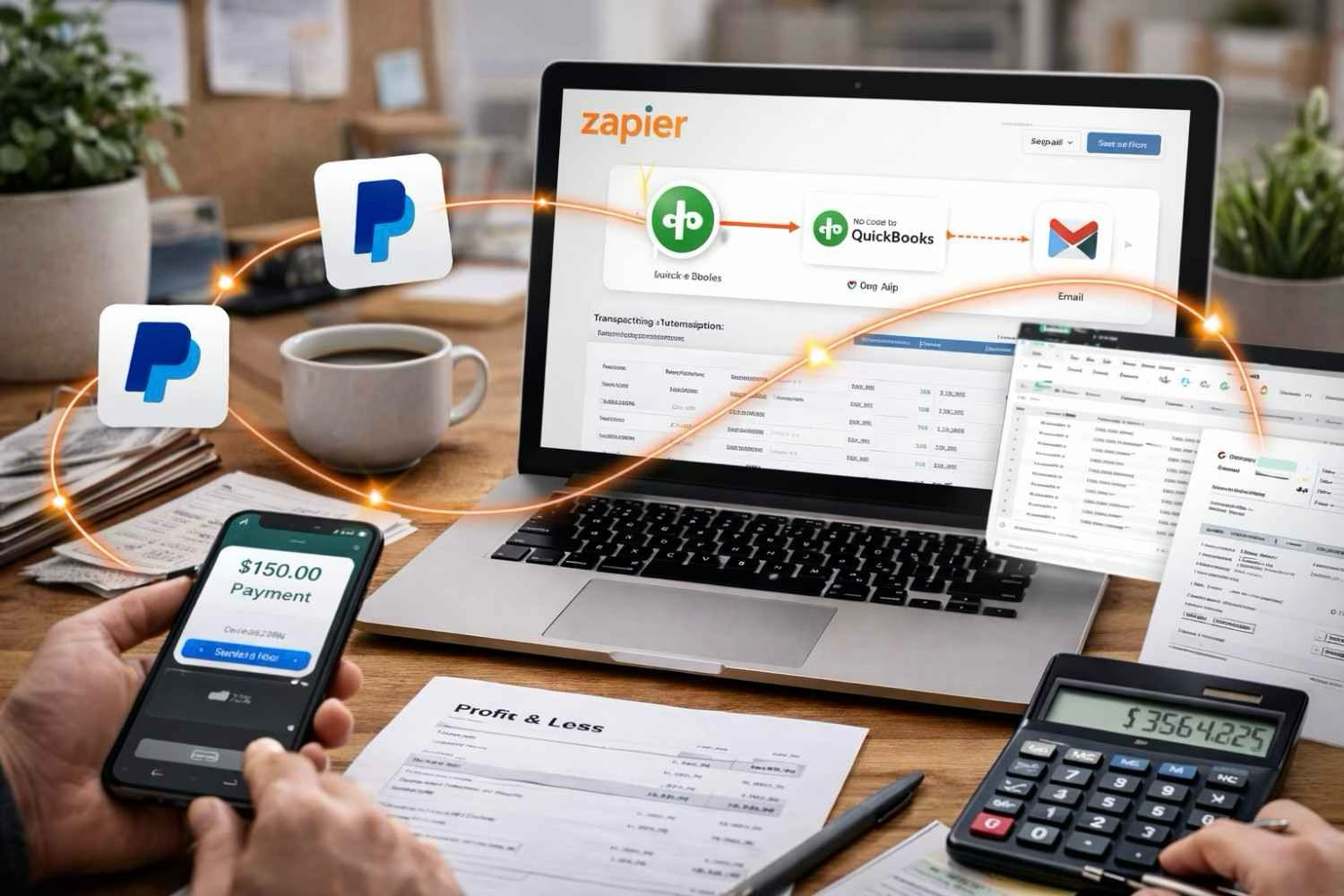
Thus, automation begins with Zapier and it is practically the no-code automation platform, which connects a user to different applications through which data transfers and functions are automated rather than having manual inputs into the applications. For instance, it would automatically export PayPal transactions into Google Sheet and send the latest sales receipts from Quick books to a specific channel in Slack for the approval or visibility.
Another great thing about bookkeeping automation is that it takes up less of a business owner’s, or a finance team’s, time. It gives such assurance that no bookkeeping will be out of place or inaccurate while justifying the extra time for strategic decision-making. That is basically what it ensures today’s business: making it flow smoother and smarter.
Why Bookkeeping Automation Matters for Workflow Efficiency
Efficiency of workflow still remains top priority in August 2025 for small businesses, startups, and enterprise businesses today as well. While the operational demands increase and teams become more distributed, financial tracking tools that work in real time and accurately start getting even more critical. This is where bookkeeping automation gives the best advantage.
Discussion of the manual data entry process which is not only time-consuming but replete with errors, is inevitable when the monetary accuracy on transactions is doubted. Consider copy-pasting reports of expenditure data from an already existing system to another or manually sending monthly invoices. Each amount of click and patter of keys consumed time and led to an increased opportunity of committing errors that could lead to penalizing or the removal of stakeholders’ trust.
With intelligent workflows, accounting automation augments this setup connecting systems. While Zapier operates over 6000 apps, including QuickBooks, Xero, FreshBooks, Google Sheets, HubSpot, Stripe, and Salesforce, it shows apparent excellence. This means that Zapier finds use in nearly any financial workflow-from invoicing to expense record keeping and reporting and even payment reminders.
Integration with your bookkeeping software will only double or even reduce data entries by combining CRM, eCommerce portals, project management tools, and communication channels. Each time a Shopify sale goes through, a new Zap is created to automatically record in QuickBooks when something happens, and your finance team gets an email or a message from Slack. This can all work perfectly and at real-time speed.
Workflow smoothness is not improved merely quickness, but the correctness attached to speed. The majority of mistakes in finance transactions arise within data transfer junctures. Therefore, Zapier integration for bookkeeping would reduce possibilities of committing errors, improve compliance, as well as enhance trustworthiness of records. Such automation would make it possible for businesses to deal with bursts in activity, like end-of-year peaks or a sudden growth spurt, without the need to add a corresponding number of people to the accounting team.
Rather, automation is not about replacing people. It is, rather, that it allows one to give time and effort to more trained finance strategy and planning as machines do the rule-based work.
Key Benefits of Bookkeeping Automation Using Zapier
Here are a few of the many benefits of using Zapier to automate your Bookkeeping:
- Saves time: Since the “Zaps”, Zapier workflows, run without needing to be told, you can use your time for self-education or anything else, rather than spend an entire weekend on manual accounting.
- More Accurate Work: Automating bookkeeping in any way helps eliminate human error, which is magnified during tax audits and financial examinations.
- Can be expanded: Be it a transaction just worth five or thousands of records, automation is such that the number can be taken care of in an efficient way, unlike with manual processes.
- Cost Savings: Instead of hiring manual people for accounting and document work at peak times, get it done with less with Zapier.
- Real-time Updates: Stakeholders will become more accessible to the most current financial data when notifications and real-time reports are always available to them.
Every business organization can have access to Zapier’s accounting automation through its intuitive interface and pre-built zaps. This site, so enriched with power-user tools, makes even a newbie-business-owner in such a fantastic field as accounting have visible automation so soon.
Let brought us to see a pretty practical example using the two combinations to automate some bookkeeping tasks.
Seeing just set of examples makes all the difference between having mastered and lost everything. Below, you will find some real-life scenarios that we will consider in a moment.
Benefits of bookkeeping automation
- better accuracy: This is what I would call the leading benefit of all; with so many more online entrepreneurs entering the virtual market, automation ensures that they are giving correct data to whomever needs it. Some people have even contracted virtual personal assistants to handle bookkeeping; I’ve contracted one, too! So I pile my data in, as will others, and my assistant will keep on carding the receipts into a program that will do all the sums, and I ask him the balance in two months’ time. He can give me the profit, cash flow, and revenue. He’s a smart guy.
- Enables consistent development of workflow performance by improving the following major financial tasks such as account reconciliations, report generation, and expense tracking. It means freeing up time for such higher-impact activities as budgeting, forecasting, and strategic planning. Companies are able to result in faster cycles and fewer operational backlog.
- Set up very quick when structured in the right way, integration especially makes it so much easier -— for example, with everything involving bookkeeping. Users can create predefined workflows here known as “Zaps,” interlinking QuickBooks Online, Stripe, or Google Sheets, to name a few. Preconfigured Zaps help form teams that will be running routines automatically, without having to write even a single line of code themselves. Speedy ROI combined with scalable operations, all these processes are frictionless.
Bookkeeping automation vs. Alternatives
Criteria | Bookkeeping automation | Alternative
|
Effectiveness | High | Moderate |
Ease of Use | Simple | More Complex |
SEO Impact | Strong | Varies |
Implementing bookkeeping automation in Real Scenarios
Do not want a lot or less Zap Zapier automated bookkeeping, identifying the holes your current bookkeeping strategy with Zapier is a good start. By using keyword research tools and content audits, consider where there may be gaps. Align any content then with user intent and with search activity as well.
For instance, a workflow that involves uploading receipts manually in your accounting software should be reconsidered. Instead of taking the route for uploading files automatically to QuickBooks or Xero from a predetermined email folder and attaching all the right metadata for categorizing expenses, you should think about developing a composing-‘ machine’. Through this, the content of each person would not only be done without manual input but also everything would be logged timely and in a proper manner.
If businesses do use Shopify for e-commerce, they will save many efforts by automating order tracking and financial reports. So, when a customer checks out, a trigger happens in Zapier: logging the sale in your accounting software, updating your inventory or possibly updating a price level, and giving you an instant analytics report on Google Sheets. It stitches all the steps of the toggle into one integrated automation process, allowing sales data to appear at once and accurately reflect in finance reports across your tech stack.
By the same token, service-based establishments can also take advantage of Zapier bookkeeping for easy operation of the invoice generation process. For example, the moment a status in a project changes as Completed in Trello or ClickUp, trigger a Zap to generate and send an invoice to FreshBooks automatically. Additionally, paid versus unpaid invoices can be tracked through automatic reports, ensuring the cash flow management effectiveness rate without need for those follow-ups.
One of the applications with many practical implications is the synchronization of bank transactions through various integrations in Zapier or platforms such as Plaid linked with cloud-based bookkeeping automation, which categorizes incoming or outgoing transactions and reconciles them based on pre-set rules. Hence, it reduces nearly all month-end work in these parts of the general ledger by keeping it accurate in real time.
Surely, businesses have to get their financial processes well defined and mapped out before they introduce automation in this arena. The important tasks of which are made transparent, naming conventions are elucidated, and conditional logic can be set (e.g., handling vendor invoices differently on the basis of expenditure type). By having constructed this city, headaches are avoided downstream, and the accountant automation will ensure compliance and transparency.
Following the start up process are the necessary periodic reviews being carried out. Review performance logs and failure logs of Zap and identify areas of improvement. Extend automating budget management to tax preparation and specific expenses’ departmental tracking by training financial and control teams with IT or operations, thereby expanding their reach but still not complicated, at all, by complicating workflows with the involvement of accounting functions in the process as well.
Automation strengthens SEO visibility by freeing up internal resources for generating content, fine-tuning analytics, and working with the audience very indirectly. Moreover, this strengthens how Marketing and Finance come together in addressing improved data speed and integrity to coordinate alignment, fuelling bookkeeping automation as an accelerator for organizational agility in growth.
Frequently Asked Questions
What is bookkeeping automation in simple terms?
Bookkeeping automation refers to the use of technology and a set of defined workflows in the process of digitization and simplification of accounting-related tasks, such as invoicing, reconciliations, and tracking of data, in related activities. It is primarily concerned with the elimination of errors done by individuals in processing. Time saved because of this should thus be channelled into more accurate financial reporting.
How does bookkeeping automation help?
It works in a way that is supposed to minimize manual data entries done by human assistance, eliminating costly mistakes and freeing valuable time space. It gives business owners as well as accountants the time to focus more on strategic decisions and analysis as distinct from being tied in the activities of routine. An example of such tools is a service named Zapier bookkeeping integrations that lets various platforms be easily and seamlessly connected.
Can I apply bookkeeping automation myself?
Absolutely. Even someone who is not tech savvy can use the increasing availability of friendly tools to automate everything. Automation elements appear naturally in the accounting software such as Quickbooks, Xero, or FreshBooks. Adding the magic element is using Zapier.
What tools should I use?
Begin by those cloud-based accounting tools such as QuickBooks Online or Xero. Add to this the tools for automation, especially in the case of no-code integrations with Zapier. Go further and use tools such as Google Analytics, Search Console, and SEMrush-the kind that will help you follow up on performance over time.
Best Practices for Implementing Bookkeeping Automation
It is important to initiate automation campaigns with well-structured guidelines:
- Determine Needs: Which functions are routine, time-consuming, and have also been associated with mistakes.
- Opt for the Right Tools: Look for The most Suitable products can be integrated seamlessly with the pre-existing software. Zapier stands out in the opportunity in Find two institutions that need linking two tools together, especially in syncing QuickBooks with Gmail, Google Sheet, Slack, and others.
- Evaluate and Monitor: Pilot on low-risk automations and monitor the effectiveness. Measure performance and change the workflow, if necessary.
- Educate the Team: Make sure that all employees understand what changes are coming in the processes.
Turning hours into minutes in your accounting will be transformed through automation. Indeed, whether managing small business or working on outsourcing as a virtual bookkeeper, automation saves time, accuracy gets elevated, and productivity goes up.
Real-Life Use Cases for Zapier Bookkeeping
One example of small agency would be a digital marketing agency that advertises its use of FreshBooks for invoicing, Google Sheets for budgeting, Gmail for client communications, and the like. If it came to the point where they would automate their office procedure using Zapier, they will be able to:
- Certainly put all of the fresh books invoicing data in a google sheet to conduct some live reporting
- Can remind the overdue ones about the invoice that the payment is yet to be made on the specific date via mail.
- As far as clients are paying, slack they might use. The company just keeps the team informed about who made payments.
Such automations will mean less cash flow visibility and human intervention but not less accuracy. It’s a solution to be built alongside growth in your company.
Next Steps
Once ready to simplify financial workflows and to eliminate manual labor from accounting can find many software or industry-specific platforms that automate all such processes. By doing so, overhead can be reduced, and time can be redirected primarily to facing the challenges of company growth.
Take the Leap with Bookkeeping Automation
Don’t wait to bring automation into your workflow. Whether you’re a solo entrepreneur or managing a team, there are countless tools that can help:
- Learn How Zapier Bookkeeping Can Work For You
- Top Automation Strategies for Small Businesses
- Explore Zapier’s Official Automation Tools
- QuickBooks – Powerful Tools to Automate Your Books
If you’re feeling overwhelmed, don’t worry. Help is just a click away. Explore automation tools tailored to your business needs today!